





How to remove a business listing from Google depends on why the listing exists. Shutting a shop, killing a duplicate, hiding a house pin, and wiping a profile you still need are four different jobs. Hitting Delete on a live location throws away reviews, photos, and history you cannot buy back.
Work the decision in order: what is the listing, do you own it, and what should Google show the next customer.
Pick the outcome before you pick the button
- ·Duplicate listings: two pins, split reviews, confused customers. Merge or report the extra one. Do not delete the listing that has the reviews.
- ·You bought another company: keep the stronger profile, close or redirect the weaker one, and move reviews only through Google's tools when a merge is allowed.
- ·Service-area business with a house pin: remove the address from the profile. Do not delete the whole listing. Showing a residential pin you do not serve customers at can violate Google's rules.
- ·Location closed for good: mark Permanently closed. That is the clean public signal.
- ·Temporarily shut for a remodel: use Temporarily closed so hours and calls do not fire into a dead office.
If the profile is why you rank in the Map Pack, read why local SEO matters before you remove anything. A closed satellite office is a listing problem. Your main shop is an asset.
If you manage the profile: mark it closed
This is the right move for a real closure. It tells customers to stop navigating there. It keeps a record so Google is less likely to auto-create a junk pin at the same address.
"The first question is ownership. The second is whether the public should see Closed or see nothing. Delete is the last tool, not the first."
- 01 Open Google Business Profile manager for that location.
- 02 Open the profile, then Business information (or the editor Google is showing this month).
- 03 Find Open / Closed status.
- 04 Choose Permanently closed. Confirm.
- 05 Update the main remaining location if you still operate: hours, service area, phone.
- 06 On the website, add a short note on the contact page so leftover backlinks do not look abandoned.
If you need the listing gone and you own it: remove profile
Use Remove only when the listing should not exist at all (created by mistake, test listing, or a brand you will never operate). Expect reviews and photos to disappear with it.
- 01 In Business Profile manager, open Settings for that profile.
- 02 Choose Remove profile or Delete business (wording varies).
- 03 Read the warning. If it mentions losing reviews, believe it.
- 04 Confirm. Then search the business name in an incognito window for two weeks. Google can rebuild a stub from other sources.
If you do not own the listing
Spam pins, old tenant listings, and competitor copies are common. You cannot delete what you do not manage. You can suggest edits and report it.
- 01 Open the listing in Google Maps.
- 02 Tap Suggest an edit. Mark permanently closed, or correct the business name if it is impersonating you.
- 03 Use Report a review or Report listing when it is spam, the wrong business, or a policy violation.
- 04 If it is a duplicate of your real profile, open Help in your manager and request a merge. Point to the listing that has the reviews you want to keep.
- 05 Document URLs and screenshots. Merges are slow.
"The first question is ownership. The second is whether the public should see Closed or see nothing. Delete is the last tool, not the first."
Duplicates that steal calls
An old agency, a franchise change, or Google's own grouping can leave two profiles. Customers review the wrong one. Map Pack trust splits.
- ·Claim every profile that is actually you. You cannot merge what you do not control.
- ·Match NAP to the surviving listing.
- ·Ask Google to merge, naming the keeper.
- ·Do not create a third profile "to start fresh." That makes a fourth problem.
If visibility collapsed after a messy listing change, check why the Google Business Profile is not showing.
Will marking a location closed hurt my other shops?
It should not if each location has its own accurate profile. Closing the wrong profile will. Verify the address on the screen before you save. Multi-location brands should do this from a computer, not a phone in the van.
Put this into practice
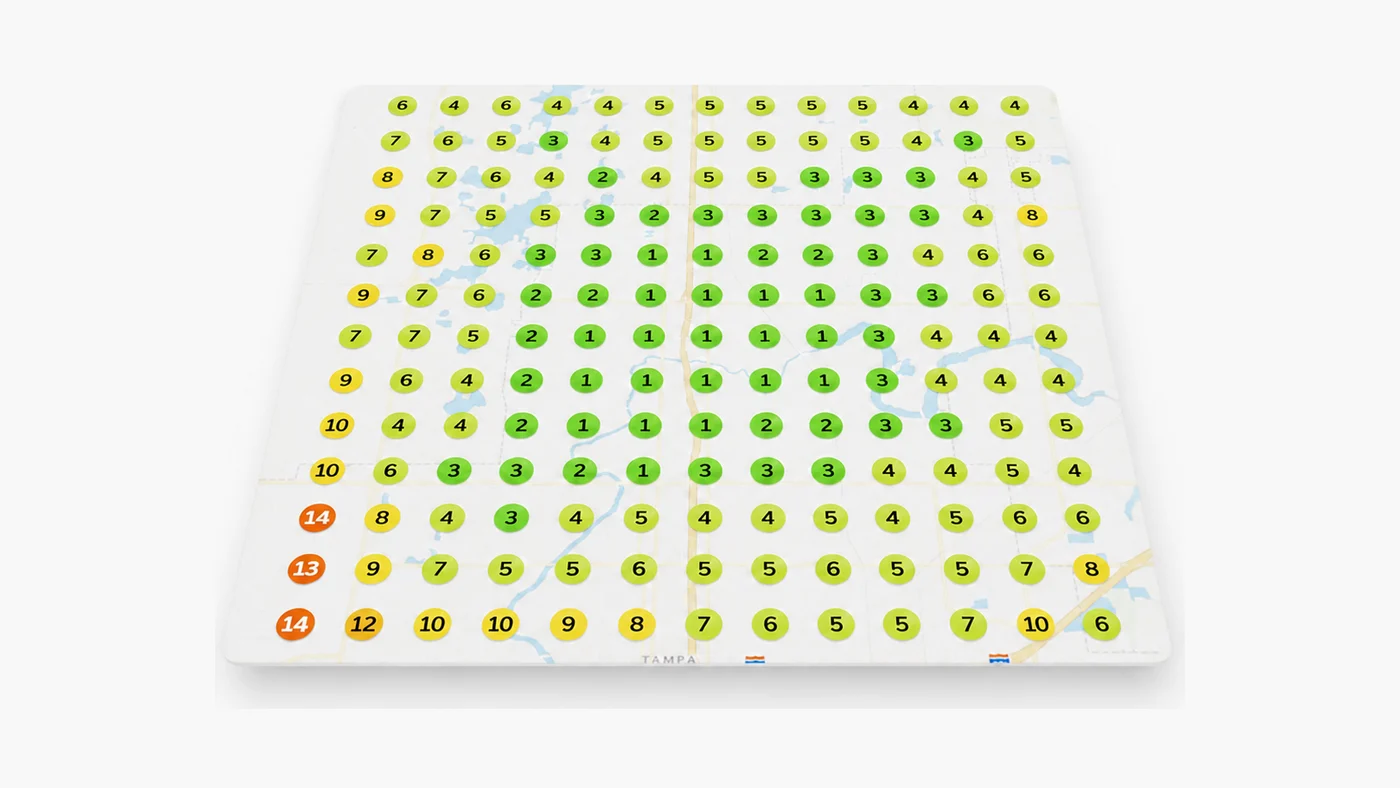
A clean Google Business Profile is the asset. SEO campaigns include listing cleanup and geogrid tracking with a 90-day Top-3 Map Pack target. The $1,000 Growth Audit maps duplicate and NAP issues. Book a strategy call at (813) 669-7572.
Get a real diagnosis of your business.
A seven-layer review of your SEO, Google Ads, website, and Map Pack presence, delivered as a written report within 72 hours. It's $1,000 and it always credits toward any work you do with us. If we don't find $100,000 in missed revenue, we refund it.
Get the Growth Audit